
Editing video and audio has traditionally required timelines, tracks, and specialized technical skills. For creators, marketers, and teams producing content regularly, this complexity often slows down iteration and repurposing.
Descript takes a fundamentally different approach by turning video and audio editing into a text-based workflow. Instead of manipulating clips on a timeline, users edit transcripts—making content creation faster, more accessible, and easier to scale across formats.
What is Descript?
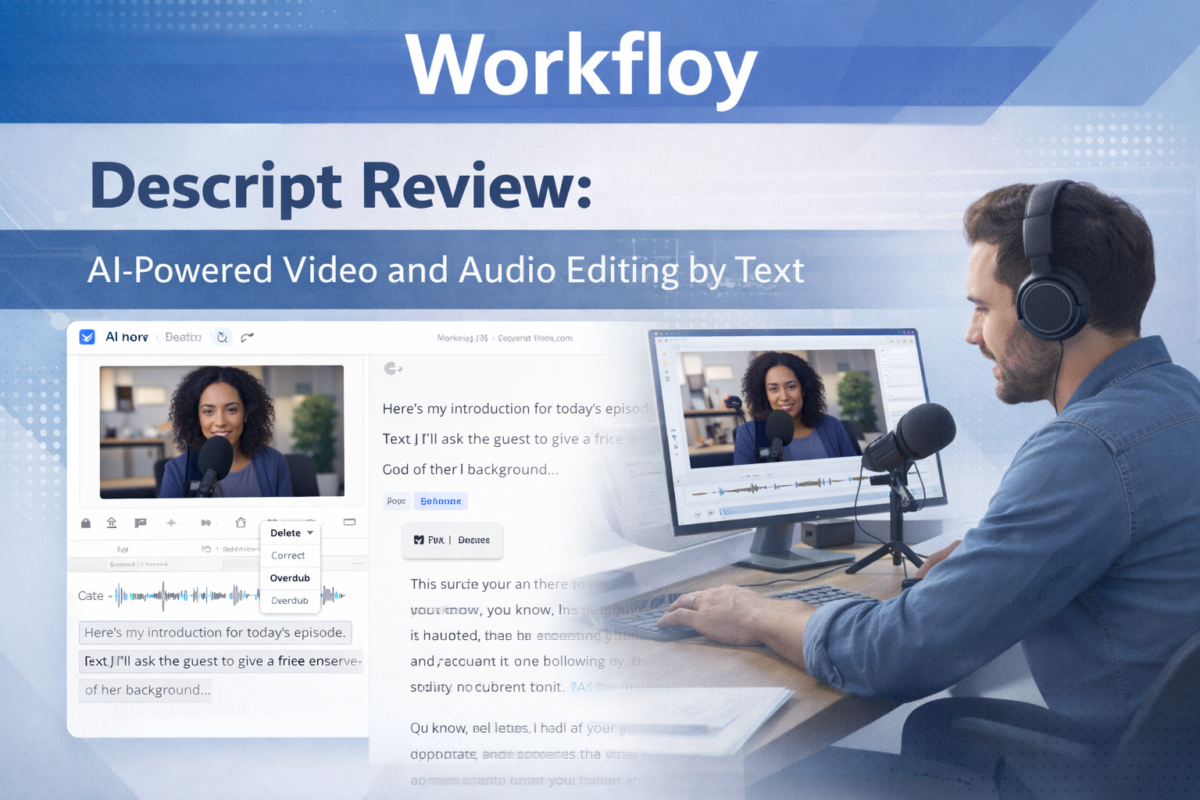
Descript is an AI-powered video and audio editing platform that allows users to edit media by editing text. When you delete a word from the transcript, the corresponding audio or video is removed automatically.
The tool is widely used for podcasts, video content, screen recordings, interviews, and repurposing long-form content into shorter formats. Its core value lies in simplifying post-production and making editing approachable for non-technical users.
How Descript Works in Practice
Descript’s workflow is centered around transcription and text manipulation:
- Upload or record audio/video directly in Descript.
- The content is transcribed automatically.
- Edit the transcript like a document.
- Descript updates the audio/video in real time.
- Export or repurpose content into different formats.
This approach removes much of the friction associated with traditional editing software.
Core Capabilities
Text-Based Editing
Descript’s most defining feature is the ability to edit media by editing text. This significantly reduces the learning curve and speeds up revisions, especially for spoken content.
Overdub (AI Voice Editing)
Overdub allows users to generate new spoken words in their own voice using AI. This is useful for fixing small mistakes without re-recording entire sections, though it is best suited for light corrections rather than full narration.
Screen Recording and Remote Recording
Descript includes built-in tools for screen capture and remote interviews, making it suitable for tutorials, demos, and podcast-style conversations.
Content Repurposing
Creators often use Descript to turn long-form recordings into shorter clips, quotes, or social-ready segments, streamlining multi-channel distribution.
Typical Use Cases
Podcast Editing and Production
Descript is especially popular among podcasters due to its fast editing workflow, filler-word removal, and transcript-based structure.
Video Editing for Creators
YouTubers, educators, and marketers use Descript to edit talking-head videos, tutorials, and explainers without relying on complex timelines.
Content Repurposing and Marketing
Teams repurpose webinars, interviews, and long recordings into short-form clips for social media, email campaigns, and internal updates.
Internal Training and Documentation
Descript works well for recording and editing training sessions, product walkthroughs, and internal knowledge-sharing videos.
If you’re editing weekly content, the workflow compound effect is real: templates, naming conventions, and a predictable export process reduce the time lost to small decisions. If you only edit occasionally, Descript can still help—but the efficiency gains are smaller, and the learning curve may feel less justified.
When integrated into a broader AI productivity system, Descript operates as an execution layer within structured content workflows rather than a standalone editing utility.
Where Descript Is Not the Best Choice
Descript is not designed for:
- Cinematic video editing or advanced visual effects
- Complex motion graphics and animations
- High-end color grading or visual storytelling
For projects that require deep visual control or creative effects, traditional video editing software remains more appropriate.
Descript vs Traditional Editing Tools
Compared to timeline-based editors, Descript prioritizes:
- Speed over precision
- Accessibility over technical depth
- Workflow efficiency over visual experimentation
This makes Descript particularly effective for content that is dialogue-driven rather than visually complex.
Who Should Use Descript?
Descript is a strong fit for:
- Podcasters and interview-based content creators
- Marketing teams producing video and audio regularly
- Educators and trainers creating instructional content
- Teams focused on repurposing content efficiently
Who Should Consider Alternatives?
You may want a different tool if:
- Your work relies heavily on visual effects or animation
- You need advanced post-production controls
- Your projects are film- or cinema-oriented
Skip (or deprioritize) Descript if your work depends on advanced, timeline-heavy editing, complex visual effects, or highly controlled color/audio finishing. In those cases, you’ll typically outgrow a text-first editor and prefer a dedicated post-production stack.
Final Assessment
Descript redefines video and audio editing by shifting the process from timelines to text. It is not a replacement for high-end video editors, but for spoken-content workflows, podcasts, tutorials, and repurposing, it offers a faster and more intuitive alternative that aligns well with modern content production needs.