
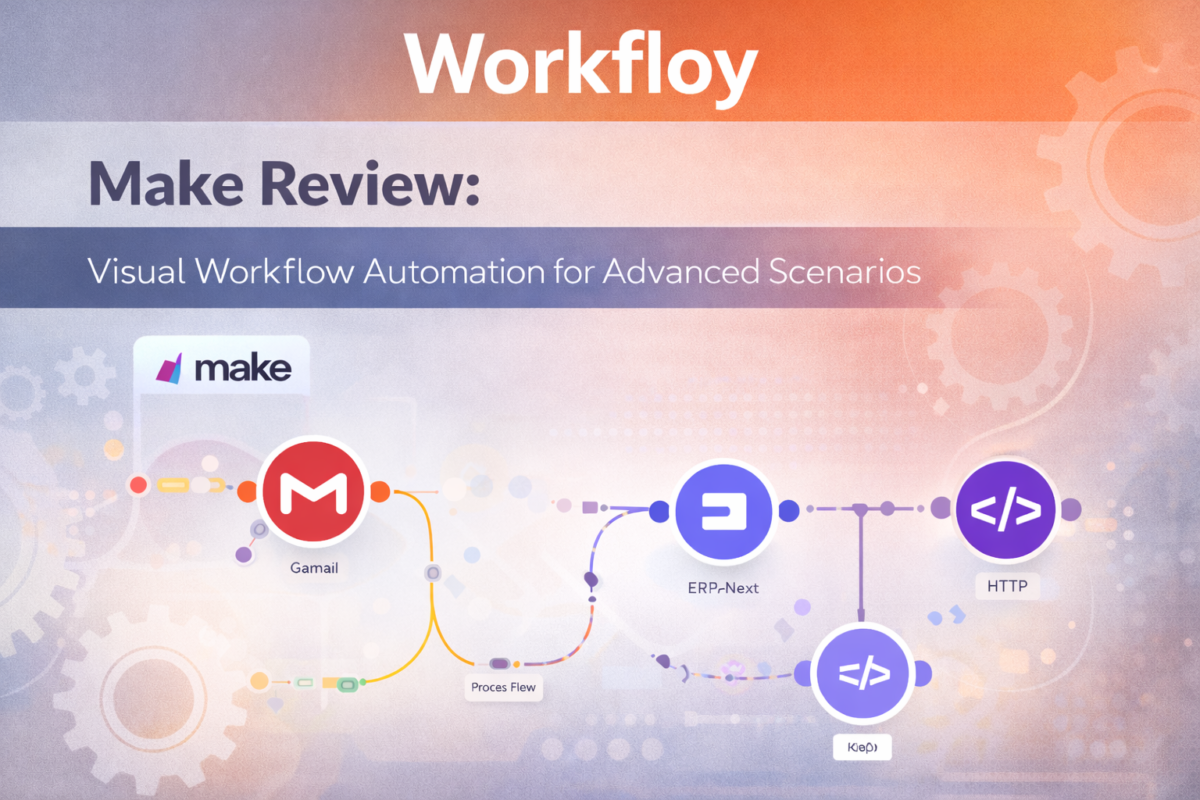
As teams grow and workflows become more complex, simple one-to-one automations are often no longer enough. Many processes require branching logic, data transformation, and precise control over how information moves between systems.
Make (formerly Integromat) is designed for these scenarios. It provides a visual, flow-based automation platform that allows users to build advanced workflows with far greater flexibility and control than traditional no-code automation tools.
What is Make?
Make is a visual automation platform that enables users to design, build, and run complex workflows between apps and services. Instead of relying on simple trigger-action chains, Make uses a scenario-based model where workflows are constructed as visual diagrams.
This approach makes it possible to handle advanced logic, conditional paths, data mapping, and multi-step operations—all without writing traditional code.
How Make Works
Make is most effective when you need to visualize and control multi-step automation flows, not just connect two apps.
In practice, teams use Make to build scenarios that branch, loop, transform data, and handle exceptions—especially when workflows involve multiple systems and non-trivial logic.
Its strength is clarity and flexibility: you can see the entire automation, adjust each step, and scale complexity gradually as needs grow.
Make workflows (called “scenarios”) are built using a visual canvas:
- You select a trigger that starts the scenario.
- Actions are added as connected modules.
- Data flows between modules and can be transformed at each step.
- Routers and filters control branching logic.
- The scenario runs automatically based on defined schedules or events.
This model gives users a clear, system-level view of how automation behaves in real workflows.
Core Capabilities
Visual Workflow Builder
Make’s defining feature is its visual editor. Workflows are displayed as diagrams, making it easier to understand complex logic, dependencies, and execution paths at a glance.
Advanced Logic and Branching
Users can create conditional routes, parallel paths, and fallback logic, allowing automation to adapt dynamically based on incoming data.
Data Transformation and Mapping
Make provides powerful tools for manipulating data between steps—such as formatting, filtering, aggregating, and converting values—without external scripts.
Flexible Scheduling and Triggers
Scenarios can run in real time, on a schedule, or based on specific conditions, giving teams fine-grained control over execution timing.
Typical Use Cases
Complex Business Process Automation
Make is commonly used for workflows that involve multiple systems, conditional decisions, and non-linear logic—such as order processing, lead qualification, or data enrichment.
Operations and Backend Automation
Operations teams use Make to automate internal systems, sync databases, and manage workflows that require reliability and transparency.
API-Driven Integrations
Make is well suited for working directly with APIs, making it a strong choice for users who need deeper integration than standard app connectors provide.
Scalable Automation Systems
As workflows grow in size and complexity, Make’s visual structure helps teams maintain, debug, and extend automation over time.
Where Make Is Not the Best Fit
Make may not be ideal if:
- You only need very simple, linear automations
- Non-technical users want the fastest possible setup
- You prefer minimal configuration over flexibility
In these cases, simpler automation tools may be more efficient.
Make vs Simpler Automation Platforms
Compared to trigger-action tools, Make prioritizes:
- Flexibility over simplicity
- Control over speed of setup
- System design over quick wins
This makes Make especially attractive to advanced users and teams that treat automation as part of their infrastructure.
Who Should Use Make?
Make is a strong fit for:
- Teams with complex workflows and logic requirements
- Operations and technical users
- Businesses integrating multiple systems deeply
- Users who want visibility into how automation behaves
Who Should Consider Alternatives?
You may prefer another tool if:
- You want the simplest possible automation experience
- Your workflows are mostly one-step or linear
- You do not need advanced data handling
Final Assessment
Make excels at building advanced, reliable automation systems through its visual, flow-based approach. While it has a steeper learning curve than basic automation tools, it offers significantly more power and flexibility for teams that need to move beyond simple integrations.